See the finished product before approving the design
Preview images and text directly on the product, so customers do not have to imagine how flat artwork will look in real life.
Create designs and product images online, move on to samples and production, then build a sales page using the same product data. Keep design, manufacturing, and sales in one connected workflow.
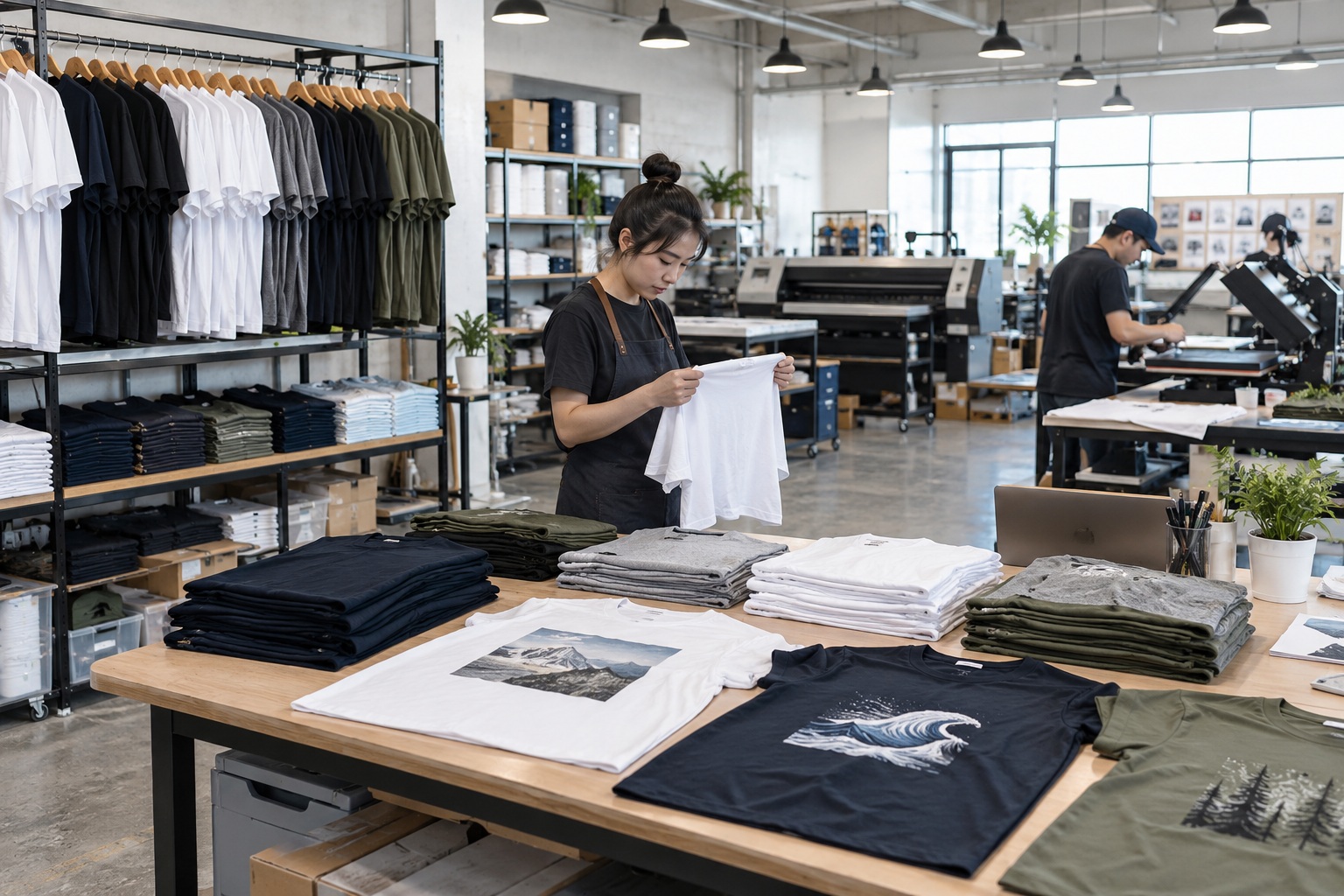
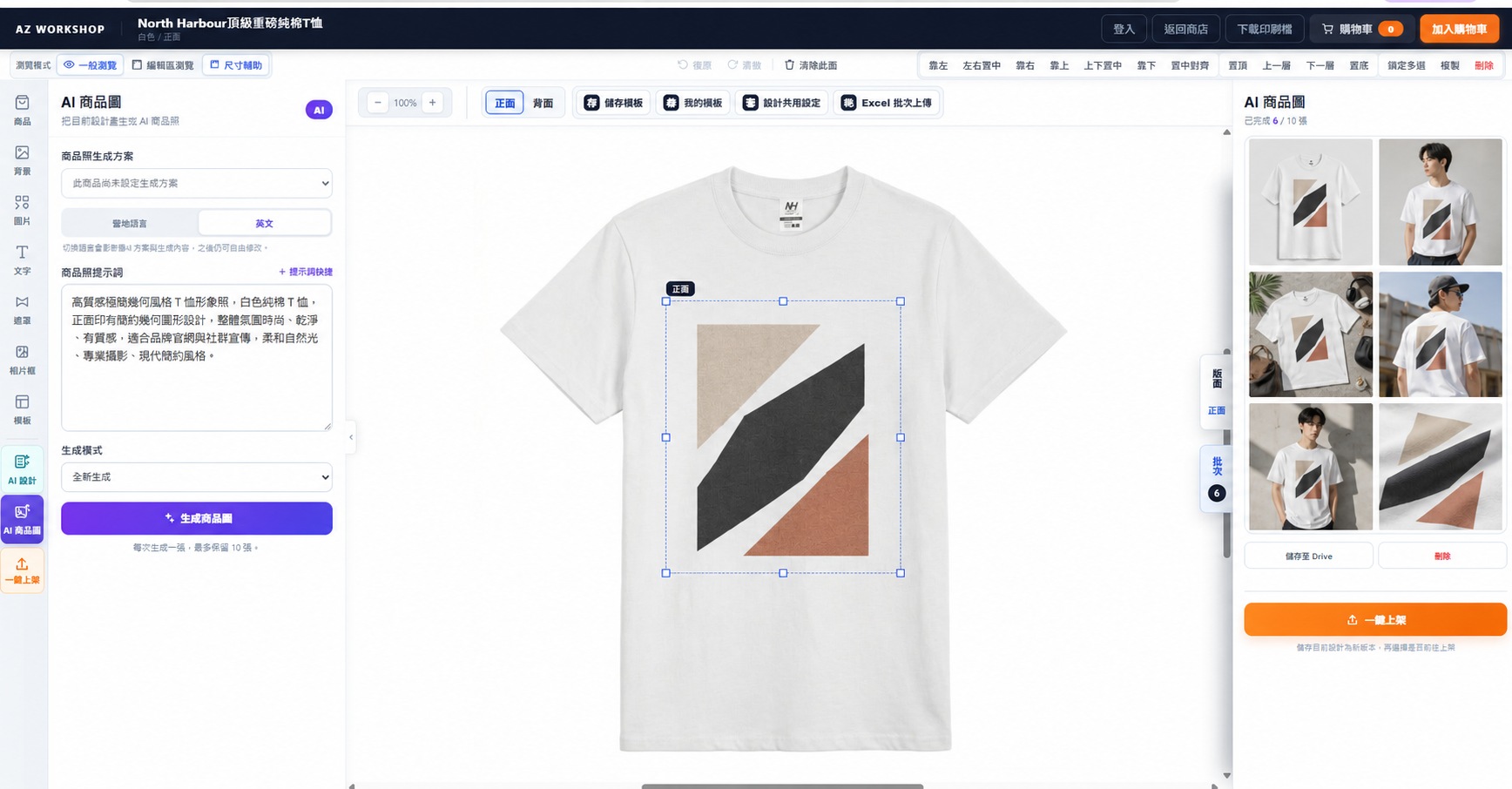
You may already have a product idea, AI images, or even finished artwork. Yet when orders start coming in, image quality, dimensions, print placement, product images, and production data can still hold you up. AMAZER connects these tasks in one workflow so approved designs can move directly into production.
Artwork, chat screenshots, product specifications, and order lists are scattered across different places. This takes extra work and can lead to version mistakes, incorrect dimensions, and misplaced prints.
The product preview, actual print dimensions, and final production data all use the same version. Once approved, select specifications and quantities, then proceed directly to ordering.
Businesses need faster order processing, less manual work, and fewer production mistakes. Combine and reuse the same capabilities at different stages to solve different problems.
Preview images and text directly on the product, so customers do not have to imagine how flat artwork will look in real life.
Control dimensions and placement within the product's print area to reduce misunderstandings caused by verbal descriptions.
Each editable side retains its own content, keeping information for different sides separate during review.
Use the same official version for design and output to reduce mixed-up files, missing artwork, and incorrect print versions.
Create assets with prompts or reference images, then arrange them in the editor to shorten the time from discussion to the first proposal.
Manage images, text, layers, alignment, and dimensions together, reducing repeated switches between different tools.
Save product templates, then swap images, update text, or change specifications so designers can focus on work that needs their judgment.
Reuse saved images and design content to spend less time searching, uploading, and organizing files again.
Apply the design directly to the selected product so customers can see its proportions, placement, and overall appearance.
Generate product mockups and lifestyle images from the current design when real product photos are not yet available.
Save different design versions and product presentations so customers can choose based on concrete visuals instead of lengthy text exchanges.
Save the approved content and carry it directly into specifications, quantities, and production.
Keep reusable assets in the cloud so another team member, or the same team months later, can continue from the same source.
Templates retain the design on the product and its multiple layouts, avoiding situations where only a screenshot remains and the working file is lost.
Continue from a clearly identified version. Keep approved and revised artwork separate, with a reliable reference for repeat orders.
Carry the approved design into product specifications and order data to reduce missing information during manual handoffs.
Keep fixed design elements in the template and make names, jersey numbers, departments, and other personal details replaceable fields.
Download the spreadsheet format, enter the list, and upload it to replace repetitive typing with structured data processing.
Create versions from spreadsheet data so personalized content and product specifications follow the same rules.
Review batch-generated content before output to reduce typos and missed edits caused by manual copying and pasting.
Continue from the approved design without asking production staff to reconstruct it from chat messages.
Select the product's available specifications and quantities, then add it to the cart to reduce scattered data and manual re-entry.
Export the current layout as a 300 DPI print PNG so production uses the same design source.
Use the same product data for ordering and production, saving time and reducing errors from rebuilding information.
Start by creating assets with AMAZER AI, or bring in AI images you already have. Both paths lead back to the editor for layout, product presentation, and ordering.
Start without an existing image: create assets first, then return to the editor to build a usable product layout.
Bring your AI image into product design. Go beyond a single image and create the product visuals needed for proposals and sales.
Choose the right process for the material, design effect, and order quantity, from printing and sampling to full production. Bring finished artwork directly into contract manufacturing, or use the online editor and AI to create it.
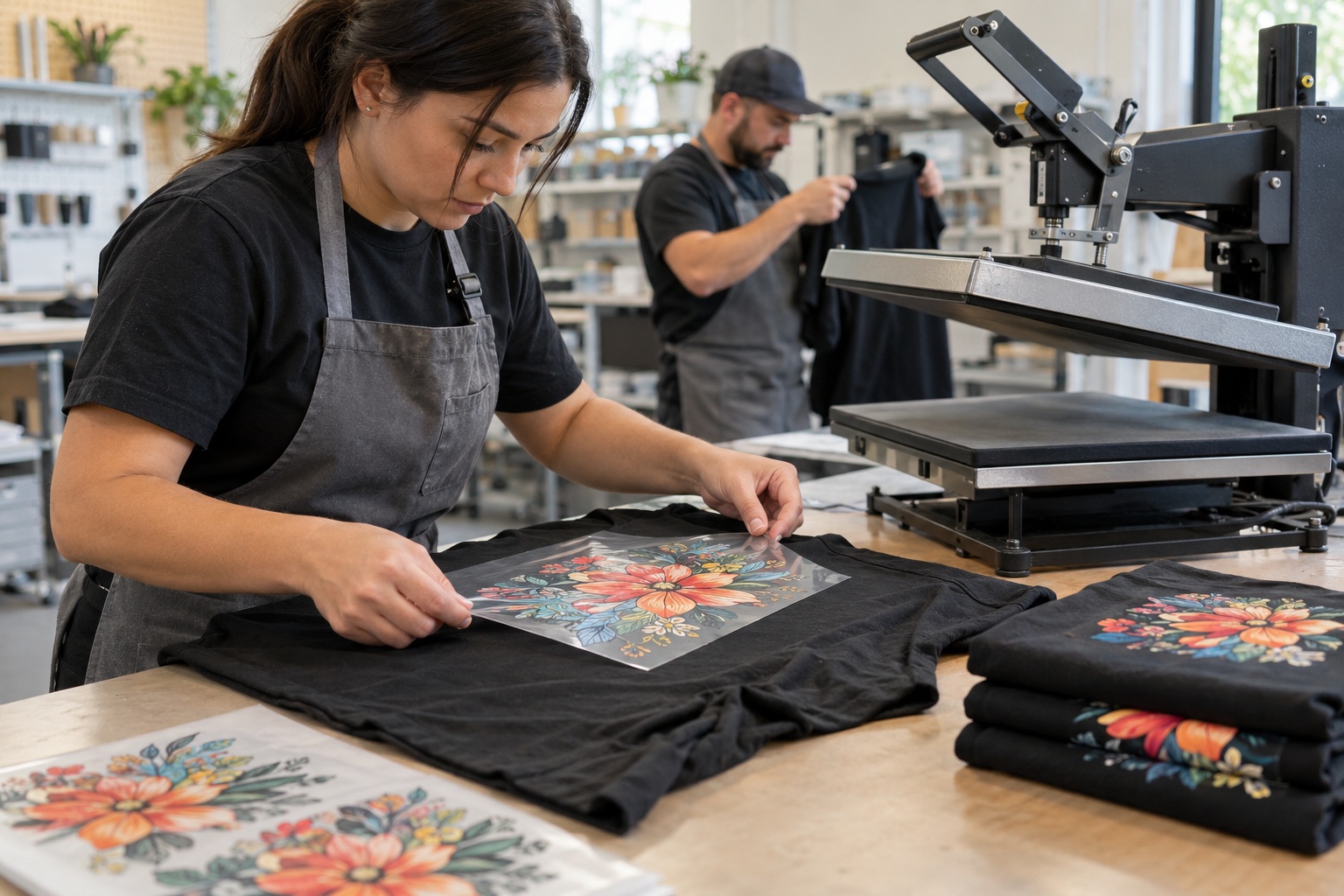
Confirm the product, processing method, and design placement before sampling or production. Connect order data and artwork to production to reduce repeated submissions and misunderstandings during manual handoffs.
Different technologies solve different needs. Detailed color graphics, direct printing on cotton, all-over fabric prints, and custom shapes each require a suitable process.
Works on light and dark fabrics. Ideal for detailed color designs, small runs with multiple designs, and localized garment printing.
Ink is printed directly onto fabric for a natural feel. Suitable for cotton garments and complex images.
Suitable for polyester and light-colored fabrics, with all-over printing and vivid colors.
Cut precisely along design outlines for branded patches, badges, and custom shapes.
Receive printed transfer films for studios with their own heat presses and production schedules.
Adapt the same design to apparel, team uniforms, textile goods, or branded merchandise according to the material and intended use.
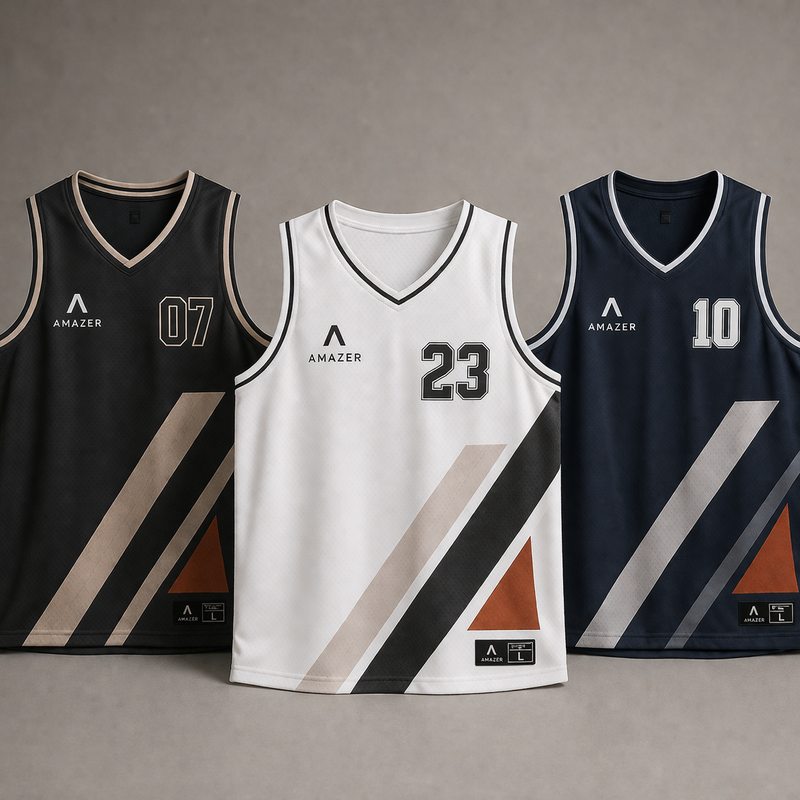
Use Excel batch templates for names, jersey numbers, and sizes. Ideal for sports teams, classes, and company uniforms.
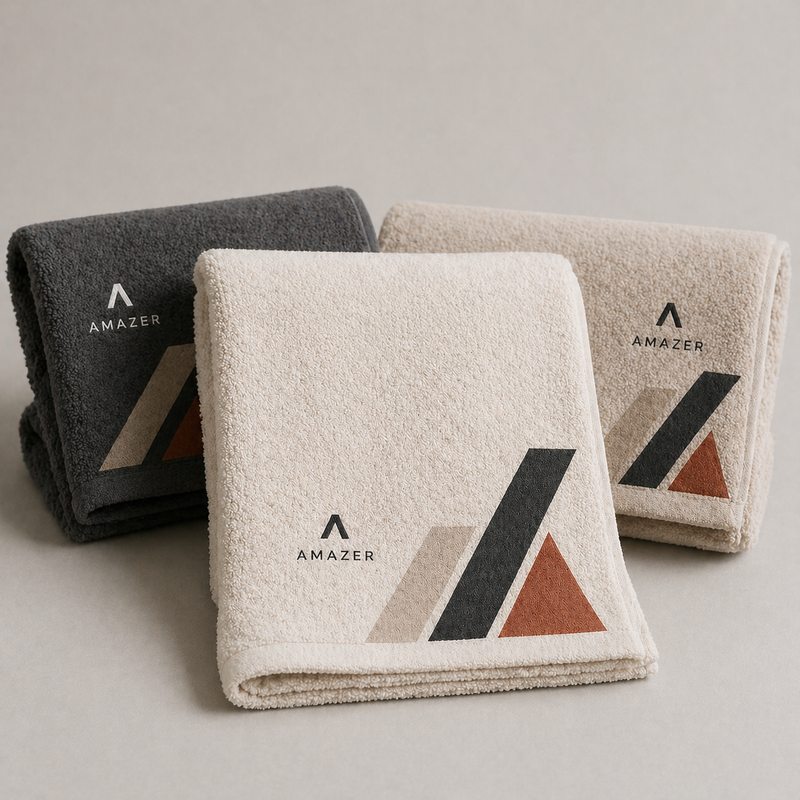
Choose a process suited to the material and design area, balancing feel, color, and durability.
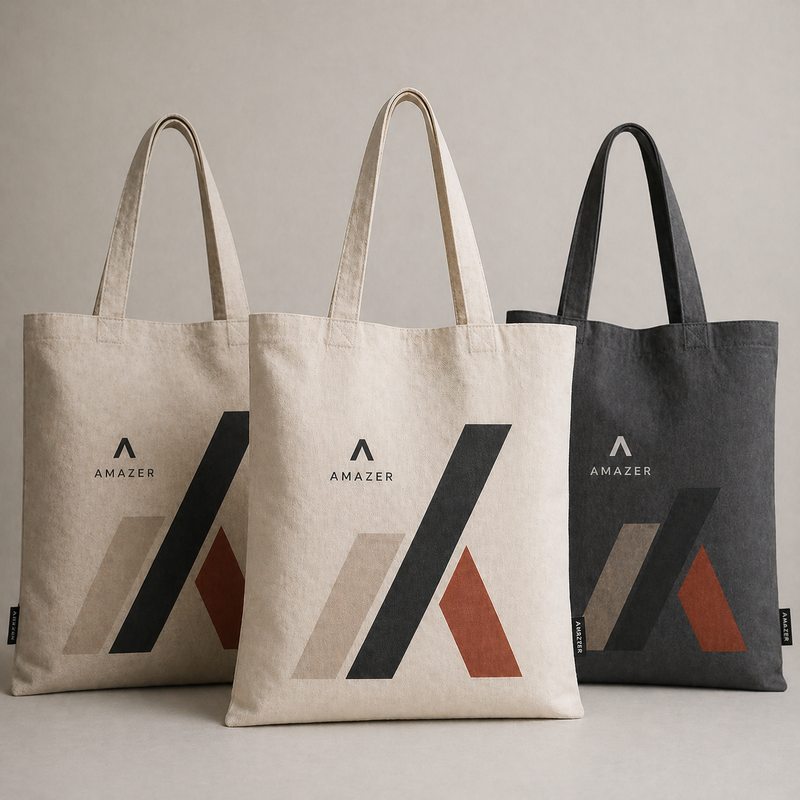
Suitable for event giveaways, branded products, and retail sales. Start with a sample to confirm the finished result.
After designing, bring the current product and AI images into a sales page draft. Set the name, selling price, specifications, and content. Customers see the published sales page, while sellers manage orders and operations in the dashboard.
Use one-click publishing in the editor to create a draft. Carry the design version and product data into sales settings without recreating the product.
Generate AI product images in different settings, then select suitable images for product content and sales materials.
Edit the product name, selling price, description, and customer-selectable specifications to prepare the listing.
Track customer orders, payments, refunds, shipping progress, sales trends, and product performance in the seller dashboard.
Contract manufacturing and design tools share one product workflow, so you do not need to rebuild data for different requirements.
Choose a process based on material, design, and quantity, then proceed to sampling, quotation, and production approval.
Explore manufacturing services → I have an image or an ideaUpload an existing image or create assets with AI, then complete the layout, preview, and product specifications.
Start designing a product → I have team orders or ongoing ordersKeep the shared layout and replace names, numbers, and sizes in batches, then proceed to printing and production.
Choose a product →Each product offers different sizes, colors, materials, and processing methods. Start with the actual product data to keep design, pricing, and production specifications connected correctly.
No. Upload existing assets, or use AI design tools after entering the product editing workflow.
AI design creates assets you can continue editing. AI product images present the completed product design.
Yes. Confirm the product, material, quantity, and processing requirements, then proceed to artwork approval, sampling, or production.
Sampling depends on the printing technology and product. Confirm color, placement, dimensions, and material before deciding the production quantity.
Yes. Request processing with your own materials, and production will assess the right method based on the material, surface treatment, and desired result.
No. Sellers can create a sales page draft with one-click publishing in the editor, then add the product name, selling price, public specifications, and content.
Register or sign in to AMAZER first, then confirm you have added the LINE account through the campaign entry. The credit is added to the corresponding member account.